24 hour support for existing clients


24 hour support for existing clients
Wave Fiber Technologies2 min read
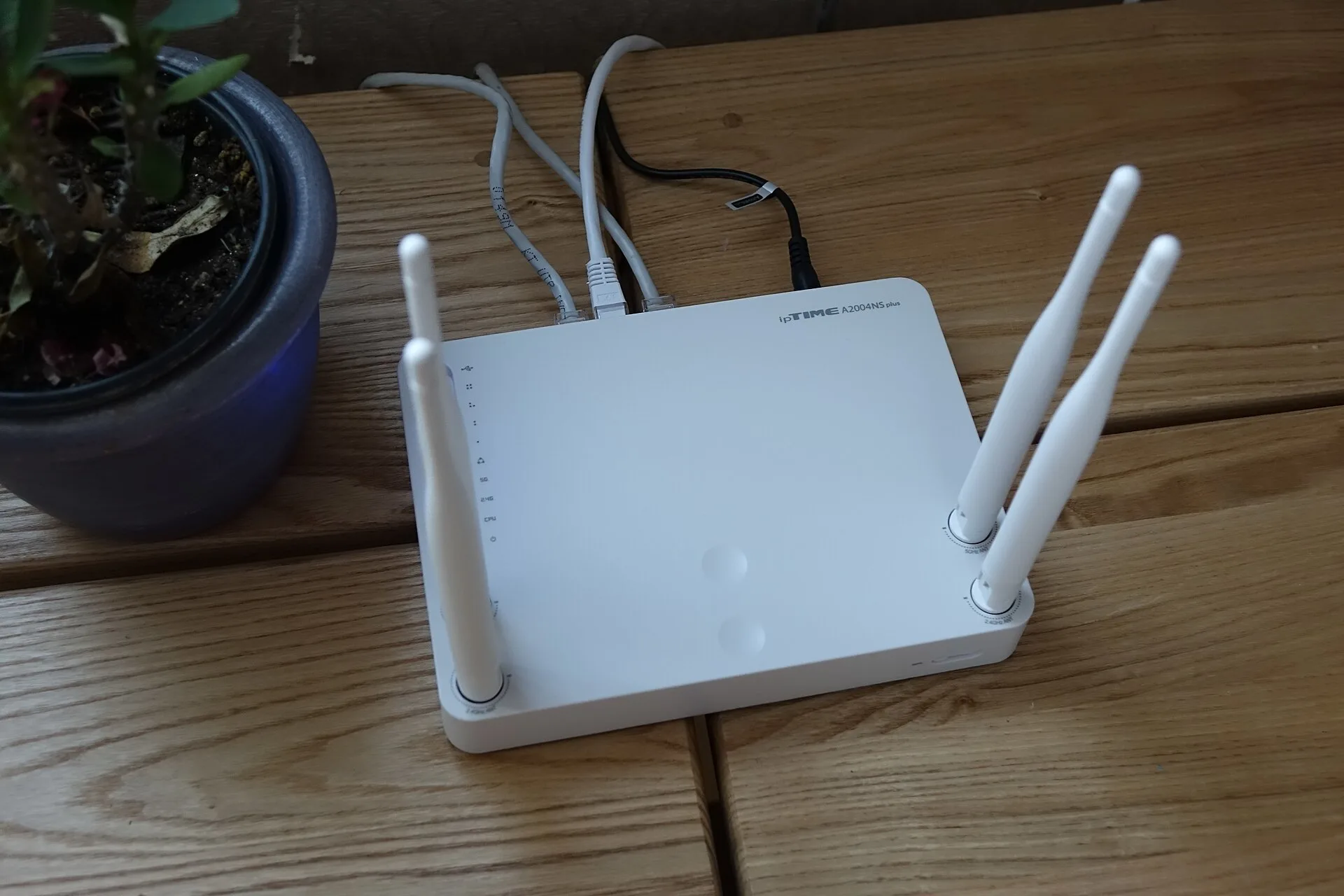
Rainy weekends mean more people at home, more phones and more streaming, and that is when weak WiFi shows itself. Before you call for support, a short tune-up on a quiet Sunday often solves the problem, and if it does not, you will know exactly what to tell the technician.
Slow WiFi at home is often a router problem, not an internet problem. Half an hour on a quiet Sunday can fix most of it, and tells you what to report if it does not.
Switch the router off at the wall, wait thirty seconds and switch it back on. Give it a few minutes to reconnect. This clears temporary faults and is the first thing any support line will ask about.
Routers are often hidden in a cabinet or behind the TV. WiFi passes poorly through walls, metal and water, including fish tanks. Put the router high, central and in the open.
If you have a laptop with a network port, plug it straight into the router and run a speed test. If the wired speed is good and WiFi is slow, the problem is inside the house, not the internet connection.
Phones, TVs, laptops, tablets, cameras and smart speakers all share the same connection. A 5 Mbps package that was fine for two people will feel slow for a family of five streaming at once. Our home packages run from 5 Mbps at KES 1,500 a month to 30 Mbps at KES 4,000 a month, so moving up a tier is sometimes the right answer.
If the WiFi password has not changed in years, neighbours and former visitors may still be using it. Change it, and reconnect your own devices.
Walk to the room where WiFi is weakest and test again. If one room is always poor, an access point or mesh unit in that part of the house will help more than a faster package.
If the problem remains, note the wired speed, the WiFi speed near the router and in the far room, and when the slowdowns happen. Those facts let our support team find the fault quickly. Existing Wave Fiber clients can reach the support line around the clock on +254 790 293985.
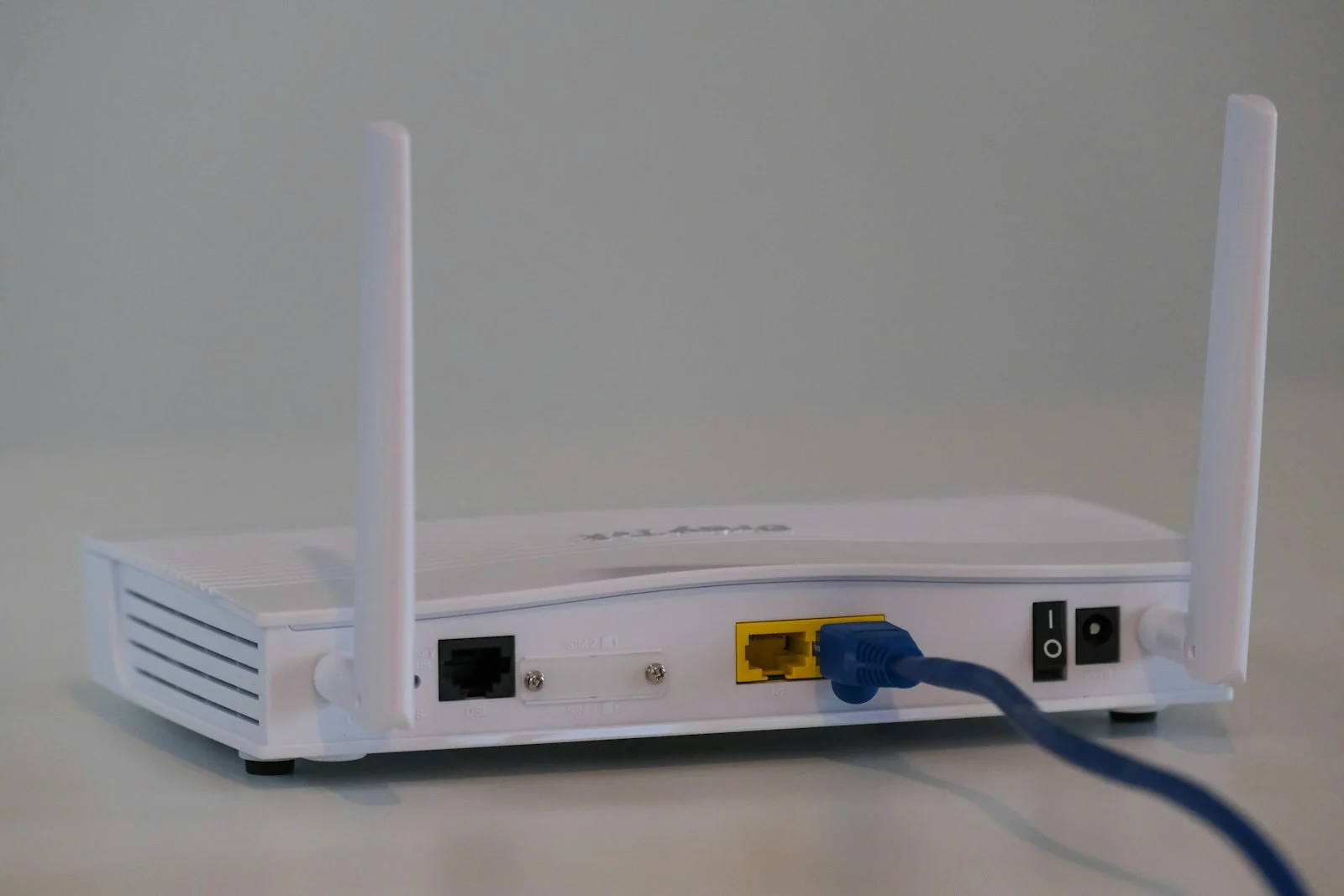
Photograph: 최광모, CC BY-SA 4.0, via Wikimedia Commons.
Written by the engineers who do the work, and worth reading against the date it carries: what is true of this equipment changes.


Send us the building, the distances and the problem you are solving. We will come back with a survey date and an honest view of what it takes.
Ask an engineer

