24 hour support for existing clients

ICT Services
Podcast and studio setup
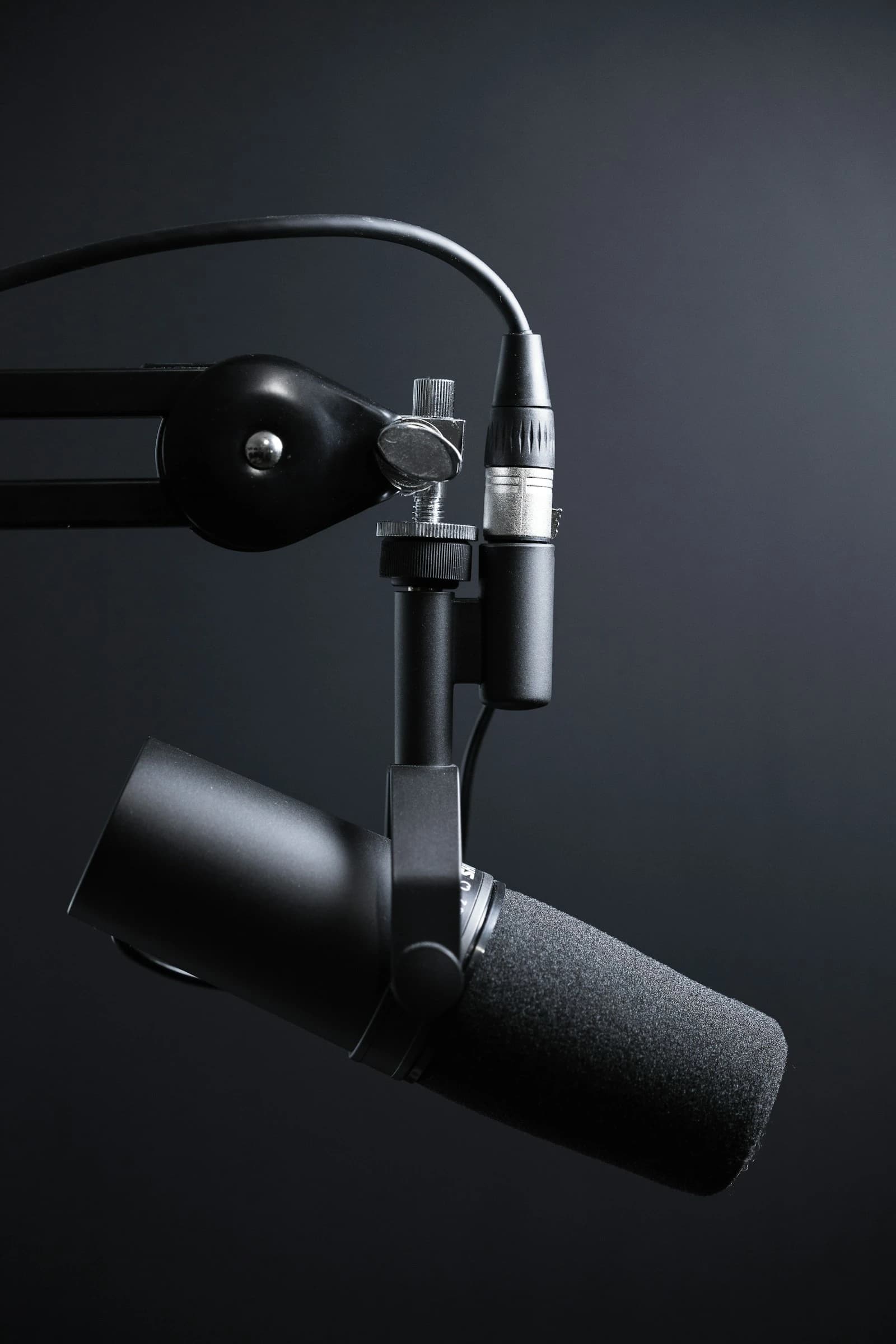
Design and installation of podcast and small broadcast studios - microphones, mixing, acoustic treatment, cameras and the connectivity to stream or upload what you record.
What this is
Design and installation of podcast and small broadcast studios - microphones, mixing, acoustic treatment, cameras and the connectivity to stream or upload what you record.
The single biggest difference between an amateur recording and a professional one is not the microphone, it is the room. An untreated room puts reflections into every take that no amount of editing fully removes, which is why treatment comes before equipment in every studio we build. A modest microphone in a treated room beats an expensive one in a bare office, consistently and audibly.
The rest is workflow. A studio that requires fifteen minutes of setup before each session is one that gradually stops being used, so we build for a room that can be switched on and recorded in - levels already set, cameras already framed, recording to a known location. Where you are streaming rather than recording, upload capacity is designed in from the start rather than discovered mid-broadcast.
What is included
- Acoustic treatment specified for the room before equipment is chosen
- Microphones, interfaces and mixing for multiple participants
- Camera and lighting setup for video podcasts
- Live streaming configuration with upload capacity sized for it
- A room that can be switched on and recorded in, without a setup ritual
How it works
From first call to handover
Room assessment covering size, surfaces and existing noise sources
Acoustic treatment planned, then equipment specified around it
Installation, cabling and levels set for your typical session
Test recording and stream, reviewed with you
Training on running a session and troubleshooting the common faults
Pricing
How this is billed
Quoted per studio after the room assessment, because the room decides most of it. A small treated room for two people and a multi-camera video setup are different projects. Treatment, equipment and installation are quoted separately so you can stage the build across budgets if you would rather start with the room.
After installation
Support and servicing
Handover includes training, because a studio nobody knows how to run is an expensive store room. Settings are documented so levels can be restored if something is moved or changed. Equipment carries manufacturer warranty, and support line calls cover both faults and the "it sounds different today" questions, which are usually a setting rather than a failure.
Questions
What people ask before booking
- Do we need a dedicated room?
- It helps, but it is not essential. Many workable studios are built in a room that has another use, with treatment designed to be unobtrusive. The assessment tells you what a given room can realistically achieve before you commit to it.
- Can you set us up for live streaming as well as recording?
- Yes, and the connectivity is part of the design rather than an afterthought. Streaming needs sustained upload, which is a different requirement from the download figure most internet packages advertise.
- What if we want to expand later?
- Say so at the assessment and the cabling and interfaces are specified with the headroom to add participants or cameras later, which is far cheaper than rebuilding a studio that was scoped exactly to its first configuration.
Ask about podcast and studio setup
Send us the building, the distances and the problem you are solving. We will come back with a survey date and an honest view of what it takes.
Request a site survey