24 hour support for existing clients


ICT Services
Computer repair and maintenance
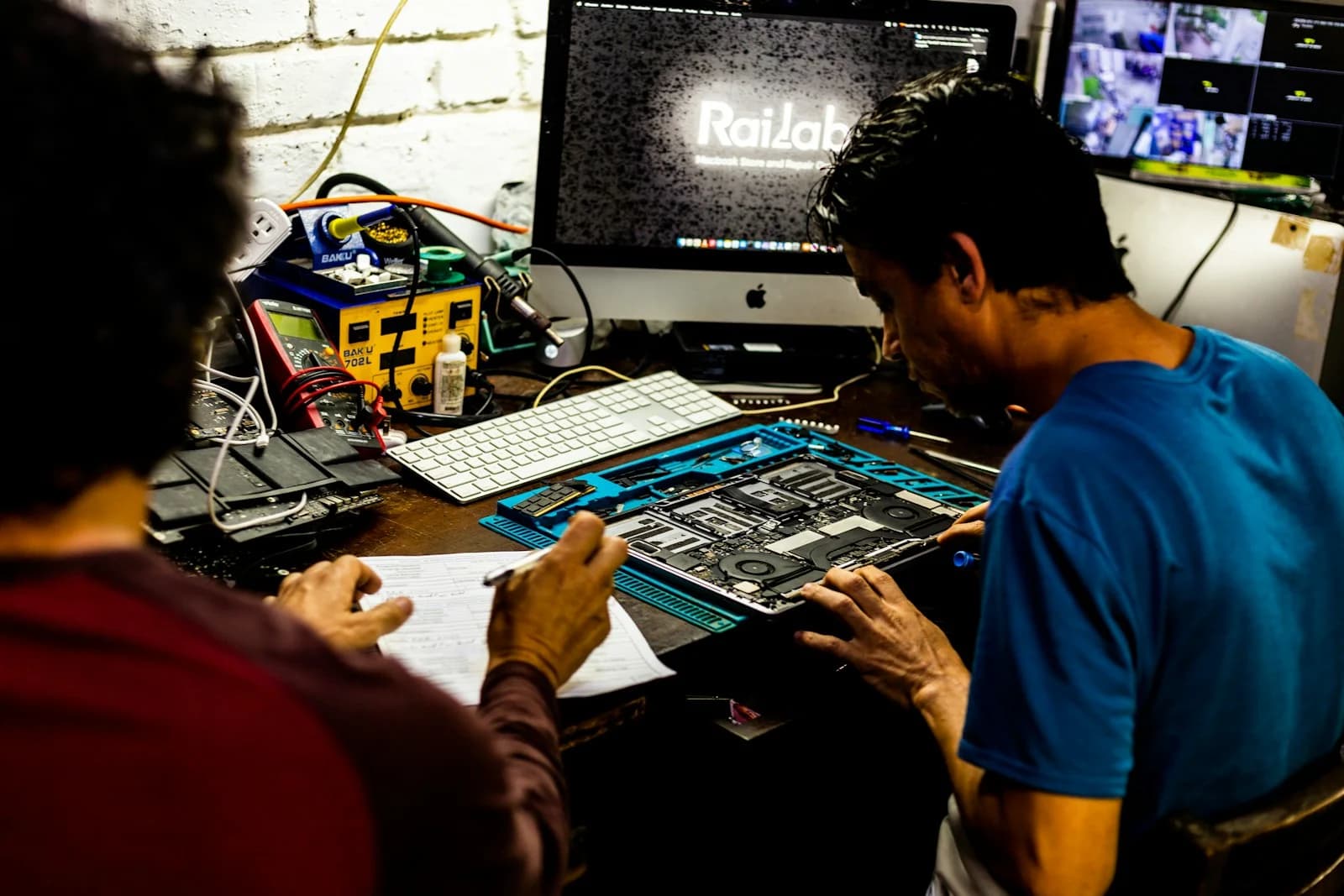
Repair, upgrade and servicing for desktops and laptops, for households with one machine and for offices running a fleet of them.
What this is
Repair, upgrade and servicing for desktops and laptops, for households with one machine and for offices running a fleet of them.
Most machines brought in as "slow" are not worn out. A mechanical hard disk replaced with a solid state drive, or memory brought up to what the operating system actually needs, transforms a computer that was about to be written off - and costs a fraction of replacing it. We diagnose before quoting, so you find out which situation you are in before spending anything.
Where a machine genuinely is beyond economic repair we say so rather than selling a repair that postpones the decision by a few months. The one thing we deal with first in every case is the data: recovering and preserving what is on the machine comes before any work that risks it, because hardware is replaceable and the files on it usually are not.
What is included
- Diagnosis before quoting, so you know the cost before committing
- Solid state drive and memory upgrades that revive slow machines
- Screen, keyboard, battery and charging port replacement for laptops
- Data recovery and transfer handled before any risky work
- Virus and malware removal, with the cause identified not just the symptom
How it works
From first call to handover
Machine assessed and the fault confirmed rather than assumed
Written quote covering parts, labour and what will not be fixed
Data backed up before any work that could put it at risk
Repair or upgrade carried out and the machine tested under load
Return with a note of what was done and what to watch for
Pricing
How this is billed
Diagnosis is quoted separately from the repair, and the repair is only quoted once the fault is confirmed. Parts are quoted at the price we can source them for on the day, since component prices move. Where the repair is not worth doing against the value of the machine, we tell you that instead of quoting it.
After installation
Support and servicing
Replacement parts carry the supplier warranty and labour is guaranteed against the same fault recurring. Offices with several machines can arrange scheduled maintenance rather than reporting failures one at a time, which tends to catch failing drives and swollen batteries before they take a working day with them.
Questions
What people ask before booking
- Will I lose my files?
- Data is backed up before any work that could put it at risk, and where a drive has already failed, recovery is attempted before anything else. Tell us at drop-off which files matter most so they are prioritised.
- Is it worth repairing an older laptop?
- Often yes, and the diagnosis tells you. A drive or memory upgrade on an otherwise sound machine is usually worth doing; a failed mainboard on a machine of the same age usually is not, and we will say so rather than quote for it.
- Do you service office machines on site?
- Yes, for offices with a number of machines it is usually less disruptive to work on site. Anything needing bench work or parts is taken away and returned.

Ask about computer repair and maintenance
Send us the building, the distances and the problem you are solving. We will come back with a survey date and an honest view of what it takes.
Request a site survey